Method 1 - Backup within the Nano System Start the Nano and enter the system. Insert a USB drive and check if it is automatically mounted. If not, mount it manually. sudo fdisk -l The green box shows the SD card system information, which is the path for backing up the system. The red box shows the...
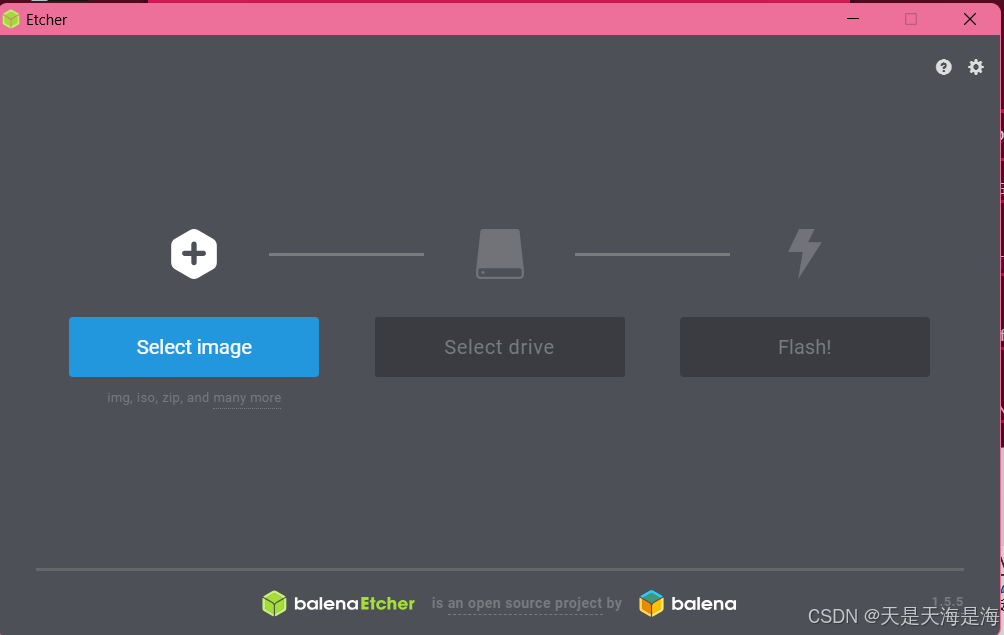
1. Format SD Card and Flash Image 2. Download PyTorch and Torchvision Packages Download the appropriate versions of PyTorch and Torchvision for your system from the officila PyTorch website. 3. Set Up Remote Access with MobaXterm Use MobaXterm for remote control and file transfer to the Jetson Nano....
Required Components Jetson Nano, STM32F103C8T6, UART interface. Hardware Wiring Refer to the Jetson Nano pinout diagram for general pin configuration. For UART communication, use pins 8 (TX) and 10 (RX) on the Jetson Nano. Ensure a common ground connection between the Jetson Nano and STM32 to enable...