File Sharing Between an Embedded Board and Host Computer Using NFS over Ethernet
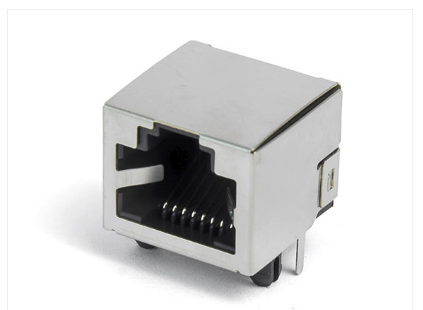
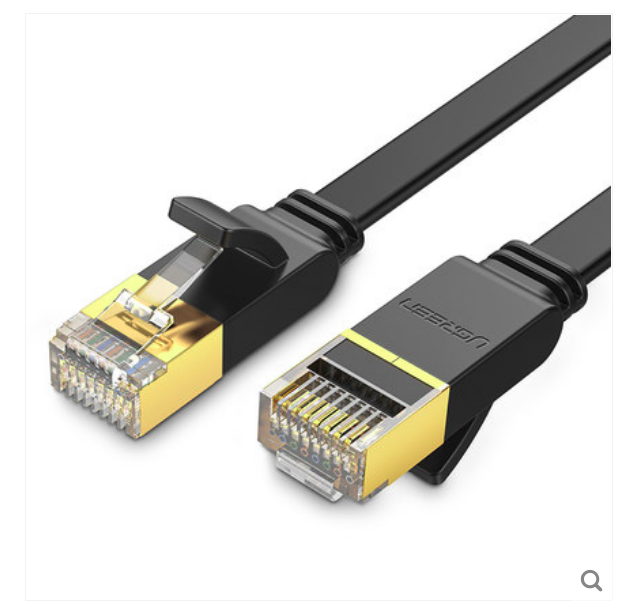
Connect the board to your computer with an Ethernet cable. This can be a direct connection, without a switch or router.
With NFS you can mount a directory from the host computer onto the embedded board over the network, making file exchange as convenient as a local disk access.
1. Configure a static IP on the host computer
Run ifconfig (or ip addr) and identify the wired Ethernet interface. On many Ubuntu systems its named enp0s31f6 or eth0. If no static address is assigned, you need to set one.
Edit /etc/network/interfaces and add (or modify) the following stanza. The interface name and addresses can be adjusted:
auto eth0
iface eth0 inet static
address 10.0.0.10
netmask 255.255.255.0
Replace eth0 with the actual interface name shown by ifconfig. address and netmask define the static IP used for the wired link. After saving the file, restart the network service or reboot the computer.
2. Configure the IP of the embedded board
On the board, edit the startup script (e.g., /etc/init.d/S00eth0). Ensure the script is executable. Add lines to set the board’s IP and mount the NFS share:
#!/bin/sh

ifconfig eth0 10.0.0.20
mount -o nolock -t nfs 10.0.0.10:/srv/nfs_share /mnt/nfs
The board’s IP (10.0.0.20) must be in the same subnet as the host’s static IP. The mount command points to the host’s IP (10.0.0.10) and the directory you will share (/srv/nfs_share), mounting it locally under /mnt/nfs.
After saving the script, reboot the board or run these commands manually to activate the settings.
3. Set up the NFS server on the host
Install the NFS kernel server package:
sudo apt-get install nfs-kernel-server
Create the directory that will be shared:
sudo mkdir -p /srv/nfs_share
Adjust ownership and permissions so the board (which connects as nobody) can access it:
sudo chown nobody:nogroup /srv/nfs_share
sudo chmod 777 /srv/nfs_share
Edit /etc/exports and add a line to export the directory. You can restrict access to the board’s IP or allow any cliant:
/srv/nfs_share 10.0.0.20(rw,sync,no_root_squash,no_subtree_check)
Alternatively, use a wildcard:
/srv/nfs_share *(rw,sync,no_root_squash,no_subtree_check)
Apply the export and restart the NFS service:
sudo exportfs -a
sudo systemctl restart nfs-kernel-server
4. Verify the setup
After the board boots (or after manually executing the mount command on the board), place a test file in /srv/nfs_share on the host. Check if it appears under /mnt/nfs on the board. You should also ping each direction to confirm network connectivity.
If the host uses Wi‑Fi for internet access, avoid assigning the wired static IP in the same subnet as the Wi‑Fi network (e.g., if Wi‑Fi uses 192.168.1.x, set the static IP to a different range like 10.0.0.x). Otherwise routing conflicts may cause the host to lose internet connectivity.
