Design and Implementation of a Milk Tea Ordering Mini Program Based on SpringBoot, Vue, and Uniapp WeChat Mini Program
Introduction
This project is a detailed design and implementation of a milk tea ordering mini program using SpringBoot, Vue, and Uniapp. It includes source code, deployment documents, and explanatory guides.
Detailed Video Demonstration
Contact me for a more detailed demo video.
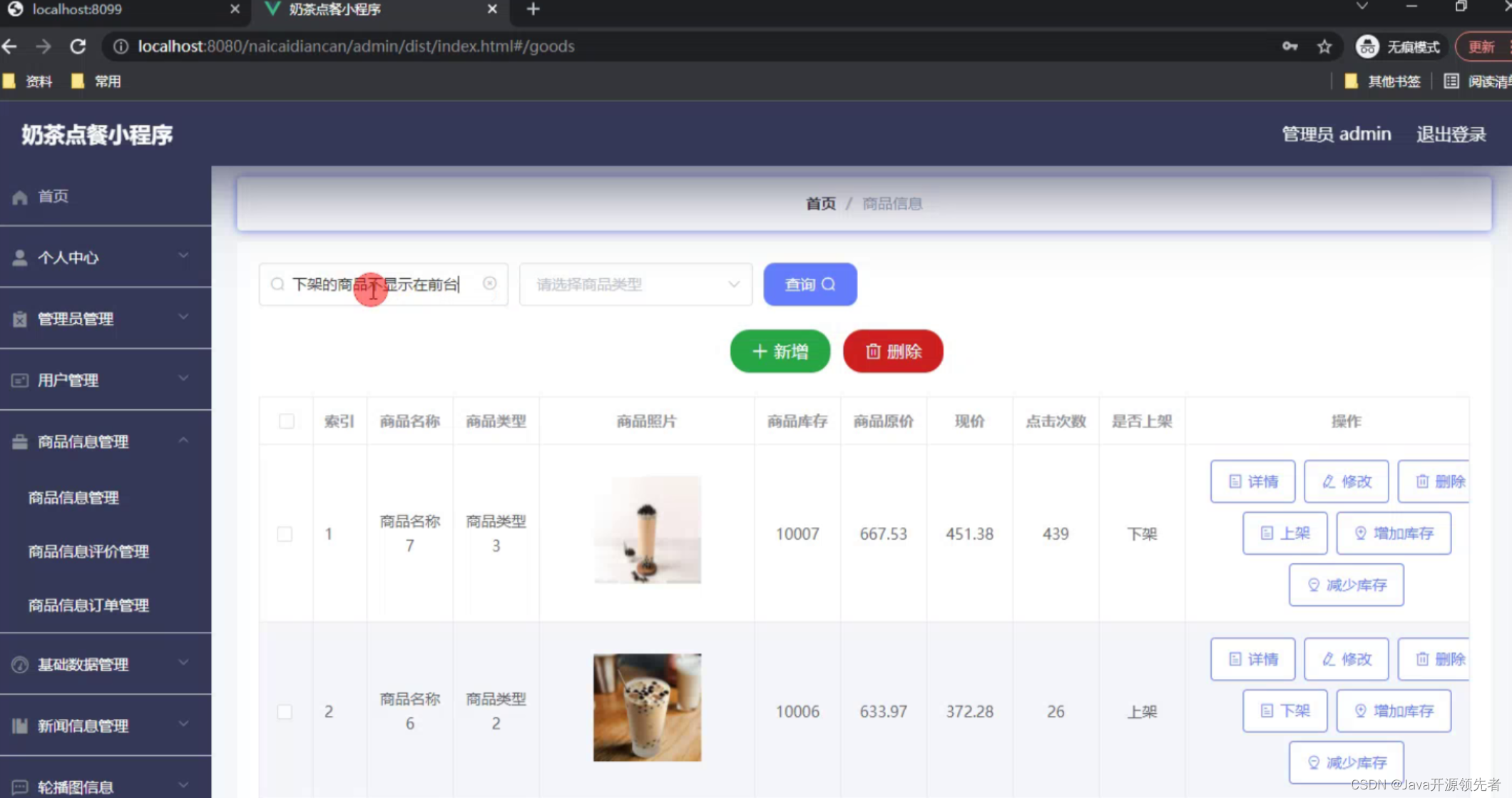
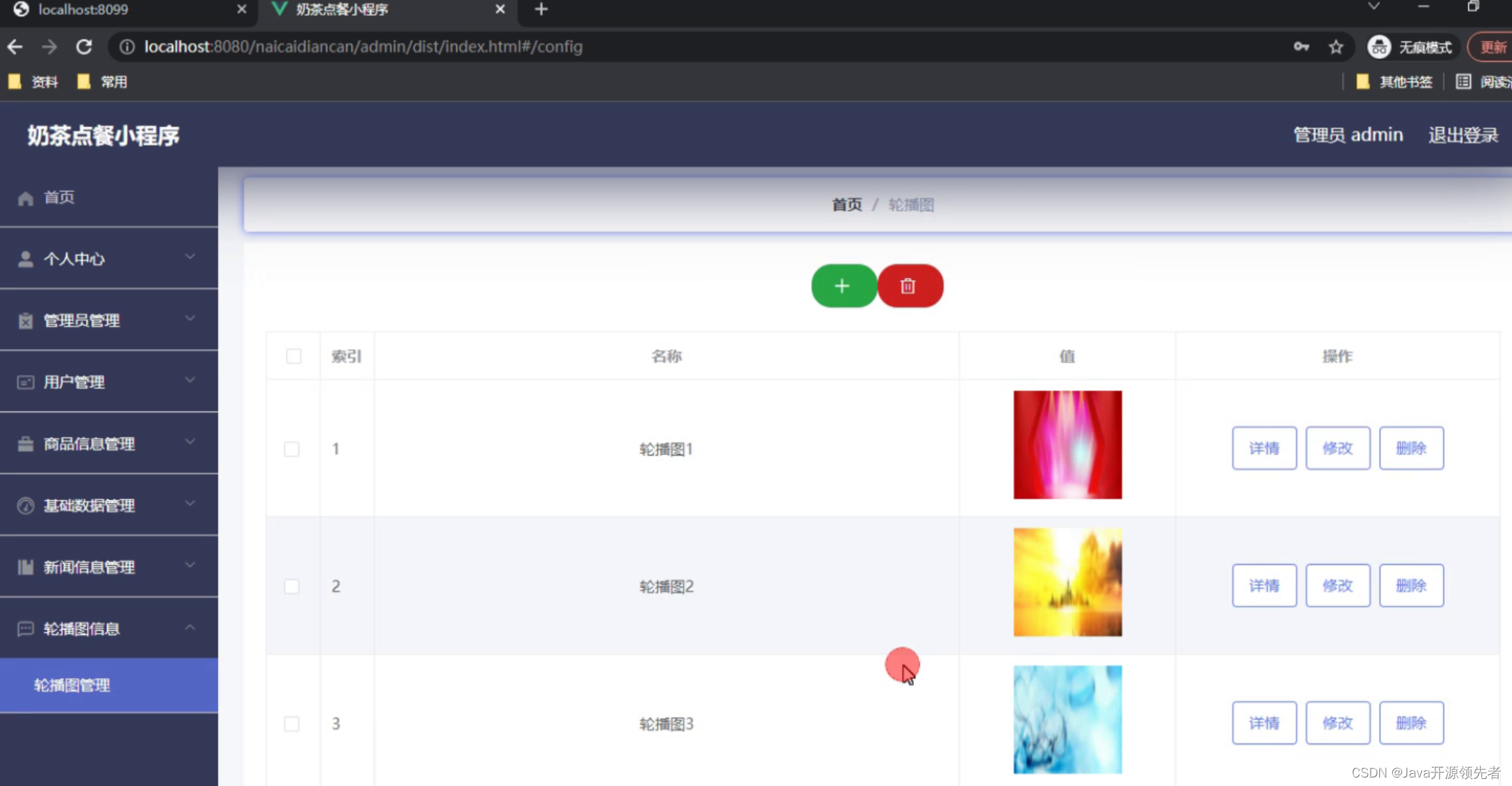
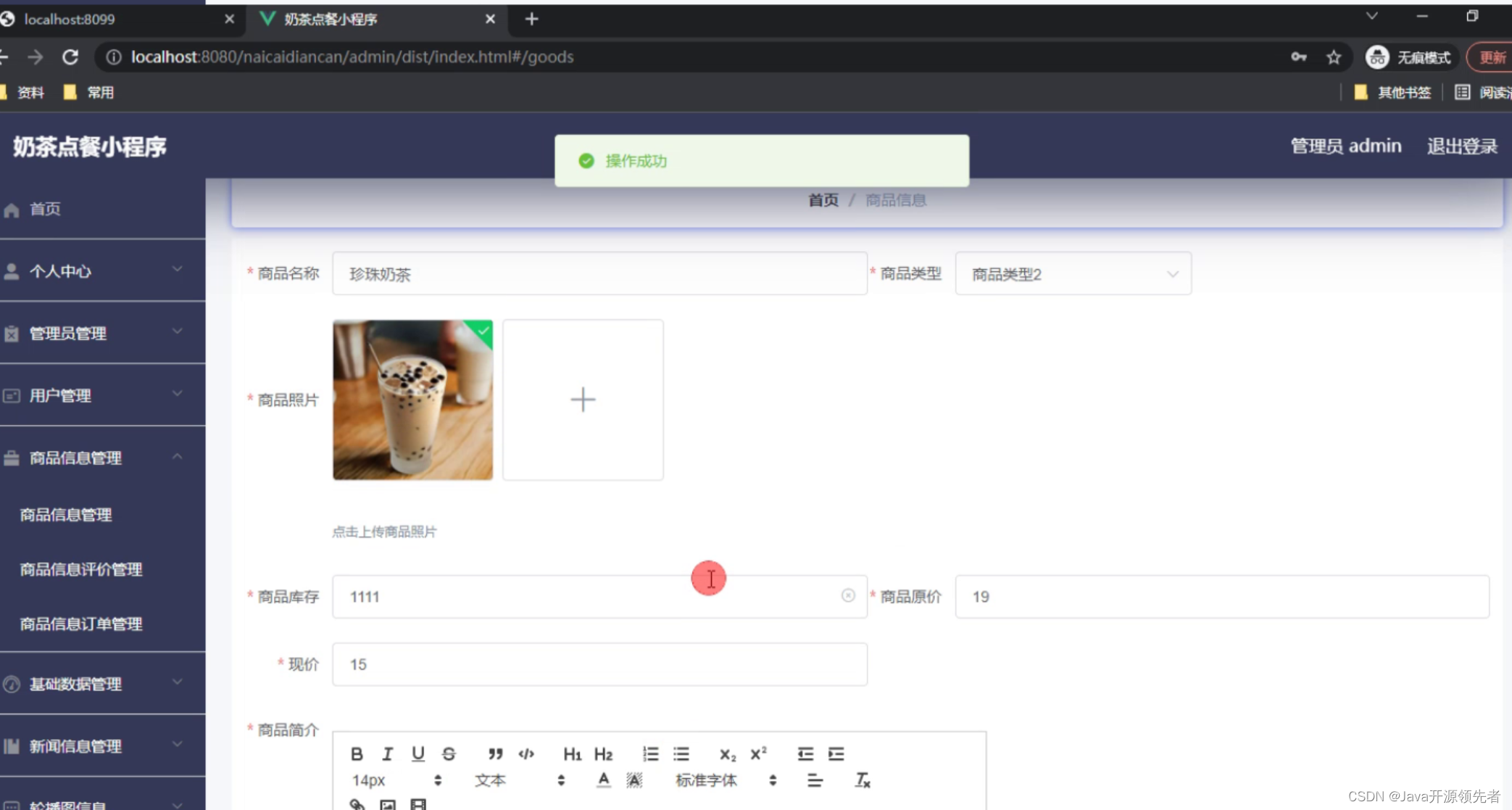
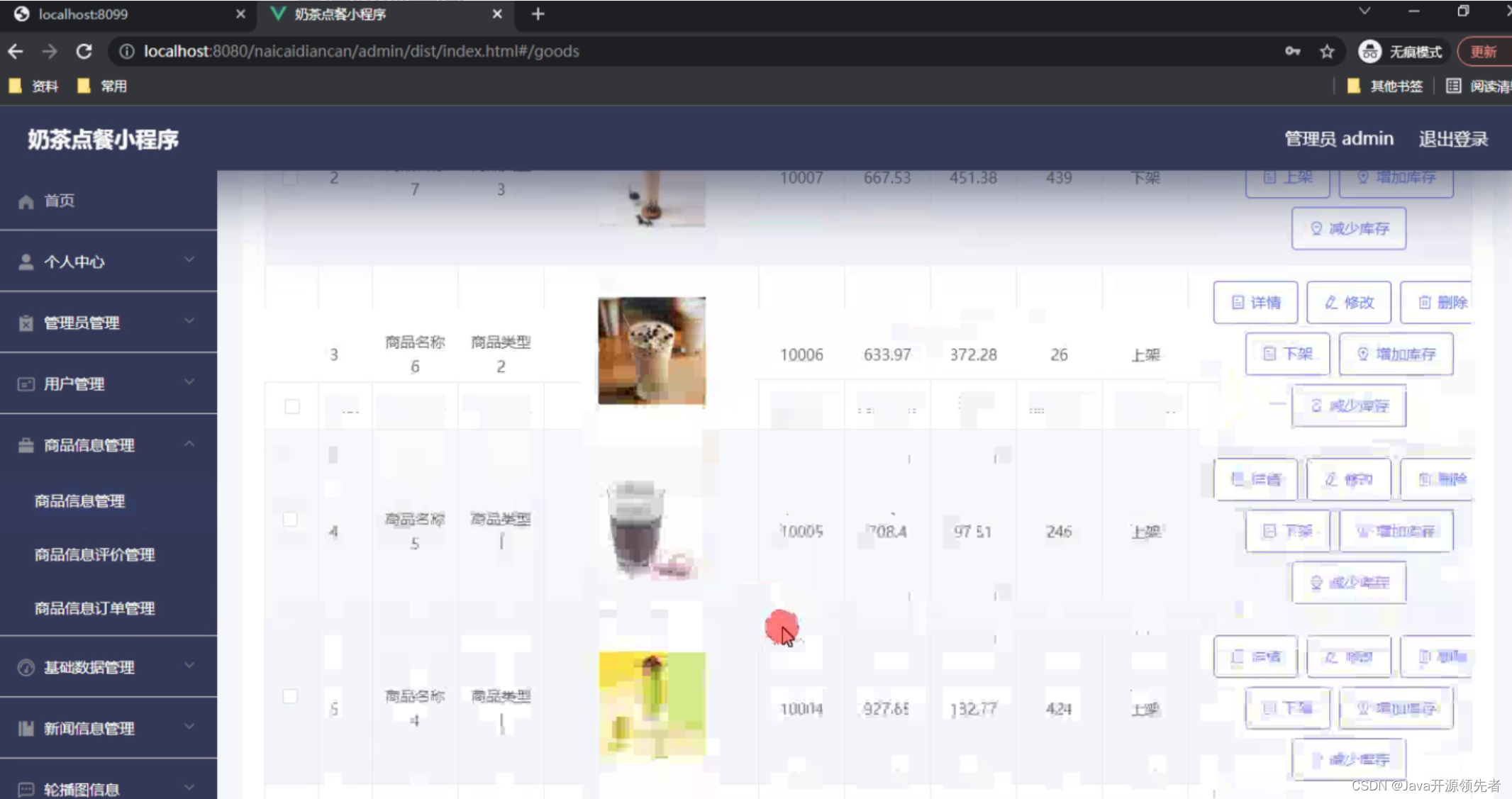
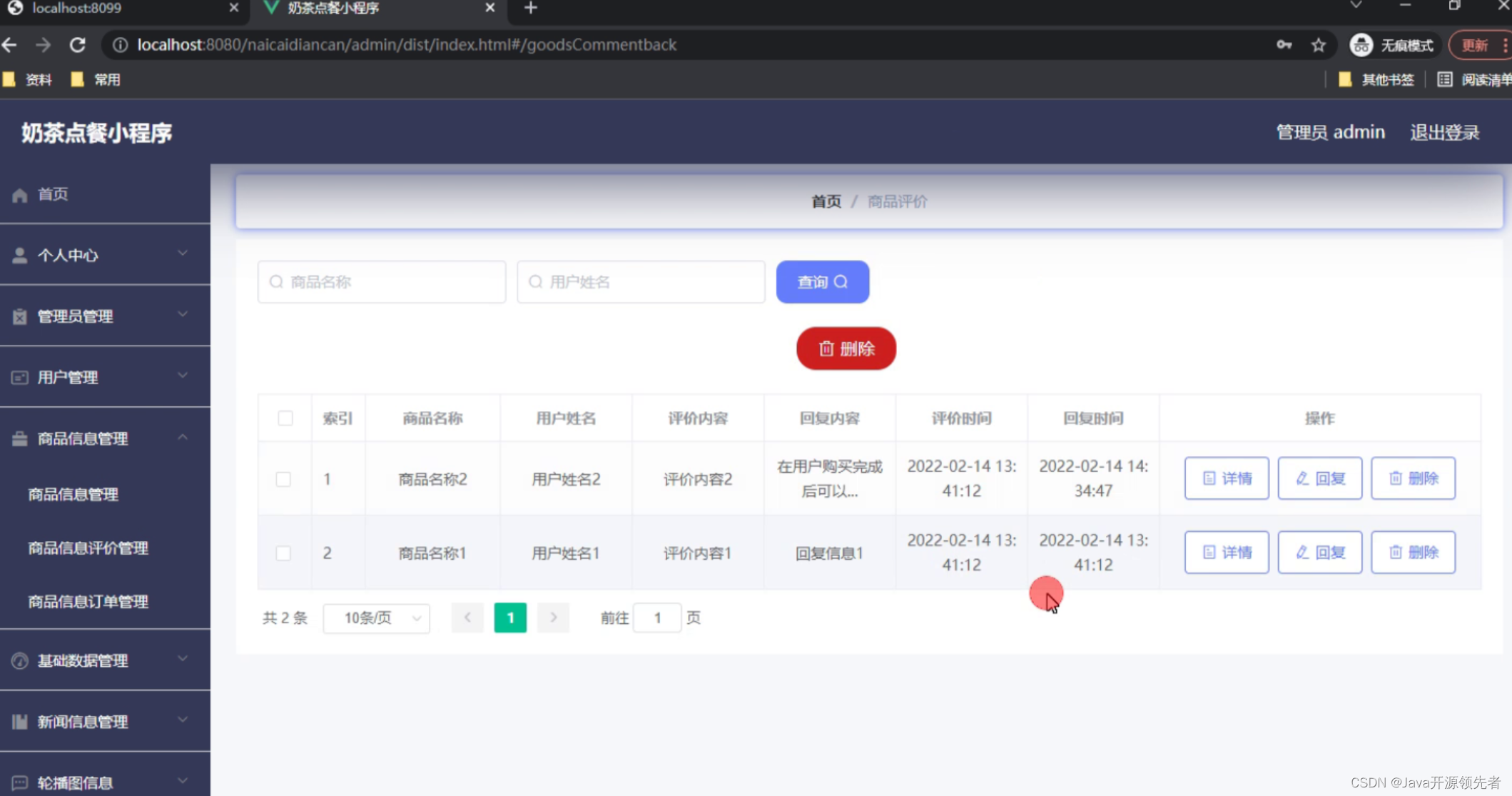
Project Screenshots
Technology Stack
Backend: SpringBoot Framework
Spring Boot is an open-source framework for rapid development of Spring-based applications. It adopts the convention-over-configuration philosophy, providing a set of default configurations so developers can focus on business logic rather than configuration files. Spring Boot simplifies configuration through auto-configuration and convention-over-configuration. Developers no longer need to manually configure many XML files or cumbersome annotations; the framework provides default configurations based on project dependencies and conventions. Spring Boot uses Maven or Gradle for building, automatically downloads project dependencies, and provides many plugins to simplify the build process. Developers can use Spring Initializr to generate a basic project structure and then select the required dependencies.
Frontend: Vue.js
Vue.js is designed to be simple, easy to understand, and get started. Vue provides an intuitive API that allows developers to easily build interactive user interfaces. Vue.js offers simple and powerful data binding mechanisms, enabling two-way binding between view and data using directives like v-model. When data changes, the view automatically updates, and vice versa, so developers don't need to manipulate the DOM manually. Vue.js provides a set of lifecycle hook functions, allowing developers to execute custom logic at different stages of a component, including creation, mounting, update, and destruction.
Feasibility Analysis
Feasibility analysis is an essential part of every project development. It directly affects the viability of the system. The analysis considers the significance of development, whether the system can compensate for the shortcomings of traditional manual methods, and whether it can better solve existing problems. The development of this milk tea ordering system aims to gradually reduce the workload of staff and enable efficient work and management. Therefore, the development of this system achieves maximum significance and value. After completion, its necessary to evaluate whether the benefits outweigh the costs and whether the expected results are achieved. The feasibility of this system is analyzed from the following aspects:
- Technical Feasibility: The use of Java technology, which is mature, makes the development technically feasible.
- Economic Feasibility: The benefits after completion outweigh the development costs.
- Operational Feasibility: The system is designed to be user-friendly and practical.
System Testing
System testing is performed from multiple perspectives to find and fix issues. The primary purpose is to identify defects through functional testing and ensure the system is error-free. During testing, we verify that the system meets customer requirements, identify and correct problems, and finally draw conclusions.
Testing Purpose
System testing is an indispensable and patience-demanding process. Its importance lies in being the last line of defense to ensure system quality and reliability, and the final inspection of the entire development process. System testing aims to avoid user problems, enhance user experience, and consider potential issues from multiple angles. By simulating different scenarios, defects are discovered and resolved. The testing process also reveals the system's quality, whether functions are complete, and whether the logic is smooth. A qualified system testing process greatly improves system quality and usability. The testing goal is to verify that the system meets the requirements specification and identify any inconsistencies. Testing should always be done from the user's perspective to avoid unrealistic scenarios that waste time.
Functional Testing
The system's functional modules are tested through black-box testing methods such as clicking, input boundary values, and verifying required vs. optional fields. Test cases are written and executed to draw conclusions.
Login Function Test Plan: When logging into the system, the account and password are verified. The user must input data matching the database. If any input is incorrect, the system prompts an error. Role permissions are also validated; for example, if an account with a user role tries to log in as an admin, an error occurs. The test results are as follows:
| Input Data | Expected Result | Actual Result | Analysis |
|---|---|---|---|
| Username: guanliyuan, Password: 123456, Captcha: correct | Login successful | Login successful | Matches expected |
| Username: guanliyuan, Password: 111111, Captcha: correct | Password error | Password error, please re-enter | Matches expected |
| Username: guanliyuan, Password: 123456, Captcha: incorrect | Captcha error | Captcha error | Matches expected |
| Username: empty, Password: 123456, Captcha: correct | Username required | Please enter username | Matches expected |
| Username: guanliyuan, Password: empty, Captcha: correct | Password error | Password error, please re-enter | Matches expected |
User Management Function Test Plan: User management includes add, edit, delete, and search functions. When adding a user, if required fields are empty, a non-empty check should occur. Adding an existing username should prompt that the username is already taken. Deleting a user should ask for confirmation. Editing a user should reflect changes on the page. Test results:
| Input Data | Expected Result | Actual Result | Analysis |
|---|---|---|---|
| Fill in basic user info | Added successfully, displayed in list | User appears in list | Matches expected |
| Modify user info | Edited successfully, changes applied | User info updated | Matches expected |
| Delete user | System asks for confirmation, user deleted after confirmation | System asks for confirmation, user not found after | Matches expected |
| Add user without username | Prompt username cannot be empty | Prompt username cannot be empty | Matches expected |
| Add user with existing username | Add fails, prompt username duplicate | Add fails, prompt username duplicate | Matches expected |
Database Table Design
| Column Name | Data Type | Length | Constraint |
|---|---|---|---|
| id | int | 11 | PRIMARY KEY |
| addtime | timestamp | DEFAULT NULL | |
| jieyuedanhao | varchar | 64 | DEFAULT NULL |
| tushubianhao | varchar | 64 | DEFAULT NULL |
| tushumingcheng | varchar | 12 | DEFAULT NULL |
| fakuanshuoming | varchar | 64 | DEFAULT NULL |
| fakuanjine | varchar | 64 | DEFAULT NULL |
| fakuanriqi | varchar | 64 | DEFAULT NULL |
| yonghuming | varchar | 64 | DEFAULT NULL |
| shouji | varchar | 64 | DEFAULT NULL |
Code Reference
/**
 * Common Controller
 */
@RestController
public class CommonController{
    @Autowired
    private CommonService commonService;

    @Autowired
    private ConfigService configService;

    private static AipFace client = null;

    private static String BAIDU_DITU_AK = null;

    @RequestMapping("/location")
    public R location(String lng,String lat) {
        if(BAIDU_DITU_AK==null) {
            BAIDU_DITU_AK = configService.selectOne(new EntityWrapper<ConfigEntity>().eq("name", "baidu_ditu_ak")).getValue();
            if(BAIDU_DITU_AK==null) {
                return R.error("Please configure baidu_ditu_ak in the configuration management");
            }
        }
        Map<String, String> map = BaiduUtil.getCityByLonLat(BAIDU_DITU_AK, lng, lat);
        return R.ok().put("data", map);
    }

    /**
     * Face comparison
     *
     * @param face1 face1
     * @param face2 face2
     * @return
     */
    @RequestMapping("/matchFace")
    public R matchFace(String face1, String face2) {
        if(client==null) {
            String APIKey = configService.selectOne(new EntityWrapper<ConfigEntity>().eq("name", "APIKey")).getValue();
            String SecretKey = configService.selectOne(new EntityWrapper<ConfigEntity>().eq("name", "SecretKey")).getValue();
            String token = BaiduUtil.getAuth(APIKey, SecretKey);
            if(token==null) {
                return R.error("Please correctly configure APIKey and SecretKey in configuration management");
            }
            client = new AipFace(null, APIKey, SecretKey);
            client.setConnectionTimeoutInMillis(2000);
            client.setSocketTimeoutInMillis(60000);
        }
        JSONObject res = null;
        try {
            File file1 = new File(ResourceUtils.getFile("classpath:static/upload").getAbsolutePath()+"/"+face1);
            File file2 = new File(ResourceUtils.getFile("classpath:static/upload").getAbsolutePath()+"/"+face2);
            String img1 = Base64Util.encode(FileUtil.FileToByte(file1));
            String img2 = Base64Util.encode(FileUtil.FileToByte(file2));
            MatchRequest req1 = new MatchRequest(img1, "BASE64");
            MatchRequest req2 = new MatchRequest(img2, "BASE64");
            ArrayList<MatchRequest> requests = new ArrayList<MatchRequest>();
            requests.add(req1);
            requests.add(req2);
            res = client.match(requests);
            System.out.println(res.get("result"));
        } catch (FileNotFoundException e) {
            e.printStackTrace();
            return R.error("File not found");
        } catch (IOException e) {
            e.printStackTrace();
        }
        return R.ok().put("data", com.alibaba.fastjson.JSONObject.parse(res.get("result").toString()));
    }
}
Database Script
CREATE TABLE `yonghu` (
  `id` bigint NOT NULL AUTO_INCREMENT COMMENT 'Primary Key',
  `addtime` timestamp NOT NULL DEFAULT CURRENT_TIMESTAMP COMMENT 'Creation Time',
  `yonghuming` varchar(200) NOT NULL COMMENT 'Username',
  `mima` varchar(200) NOT NULL COMMENT 'Password',
  `xingming` varchar(200) DEFAULT NULL COMMENT 'Name',
  `xingbie` varchar(200) DEFAULT NULL COMMENT 'Gender',
  `touxiang` varchar(200) DEFAULT NULL COMMENT 'Avatar',
  `shouji` varchar(200) DEFAULT NULL COMMENT 'Phone',
  `shenfenzheng` varchar(200) DEFAULT NULL COMMENT 'ID Card',
  PRIMARY KEY (`id`),
  UNIQUE KEY `yonghuming` (`yonghuming`)
) ENGINE=InnoDB AUTO_INCREMENT=1616222324596 DEFAULT CHARSET=utf8mb3 COMMENT='Users';

CREATE TABLE `messages` (
  `id` bigint NOT NULL AUTO_INCREMENT COMMENT 'Primary Key',
  `addtime` timestamp NOT NULL DEFAULT CURRENT_TIMESTAMP COMMENT 'Creation Time',
  `userid` bigint NOT NULL COMMENT 'User ID',
  `username` varchar(200) DEFAULT NULL COMMENT 'Username',
  `content` longtext NOT NULL COMMENT 'Message Content',
  `reply` longtext COMMENT 'Reply Content',
  PRIMARY KEY (`id`)
) ENGINE=InnoDB AUTO_INCREMENT=1616222424131 DEFAULT CHARSET=utf8mb3 COMMENT='Message Board';

CREATE TABLE `token` (
  `id` bigint NOT NULL AUTO_INCREMENT COMMENT 'Primary Key',
  `userid` bigint NOT NULL COMMENT 'User ID',
  `username` varchar(100) NOT NULL COMMENT 'Username',
  `tablename` varchar(100) DEFAULT NULL COMMENT 'Table Name',
  `role` varchar(100) DEFAULT NULL COMMENT 'Role',
  `token` varchar(200) NOT NULL COMMENT 'Token',
  `addtime` timestamp NOT NULL DEFAULT CURRENT_TIMESTAMP COMMENT 'Creation Time',
  `expiratedtime` timestamp NOT NULL DEFAULT CURRENT_TIMESTAMP COMMENT 'Expiration Time',
  PRIMARY KEY (`id`)
) ENGINE=InnoDB AUTO_INCREMENT=4 DEFAULT CHARSET=utf8mb3 COMMENT='Token Table';
Why Choose Me?
I am the developer, and most of the program is developed by myself. Many people claim to do programming design but cannot explain the code because they did not write it. Projects from me come with code explanation services, including live explanations with screen recording. This is my guarantee. If you don't understand any part of the code, just ask!
Get Source Code
Contact me through the information below the article. Like, collect, follow, comment, and check the link for contact details.
Recommended columns to subscribe:
- [Java Practical Cases (2000 sets)]
- [WeChat Mini Program Cases (2000 sets)]
