Issues with OpenCV in JavaCV: Affine vs Perspective Transformations
When dealing with image distortion correction, I explored two methods: affine transformation and perspective transformation. Both aim to rotate, scale, or warp an image to achieve the desired output.
- Affine transformation can convert a rectangle into a parallelogram, preserving parallel lines. It can also rotate or scale the rectangle proportionally.
- Perspective transformation offers more flexibility; it can turn a rectangle into a trapezoid. Since a parallelogram is a special case of a trapezoid, affine transformation is a subset of perspective transformation.
The goal was to adjust distortion based on different coordinates.
Initially, I tried affine transformation to scale an image to half its original width and height. However, using OpenCV within JavaCV produced unstable results, with each run generating a random output. This led me to abandon the method. The code is shown below:
public static void fwarpAffine() {
    Mat src = opencv_imgcodecs.imread("E:\\javacv\\image-032.jpeg");
    Mat dst = new Mat();
    Point2f point2fSrc = new Point2f(3);

    point2fSrc.position(0).y(0).x(0); // TopLeft
    point2fSrc.position(1).y(0).x(src.cols()-1); // TopRight
    point2fSrc.position(2).y(src.rows()-1).x(0); // BottomLeft

    Point2f point2fDst = new Point2f(3);
    point2fDst.position(0).y(0).x(0); // TopLeft
    point2fDst.position(1).y(0).x(src.cols()/2); // TopRight
    point2fDst.position(2).y(src.rows()/2).x(0); // BottomLeft

    Mat affineTrans2 = opencv_imgproc.getAffineTransform(point2fSrc, point2fDst);
    opencv_imgproc.warpAffine(src, dst, affineTrans2, src.size());
    opencv_imgcodecs.imwrite("E:\\javacv\\image-032-1.jpeg", dst);
}
Original image:
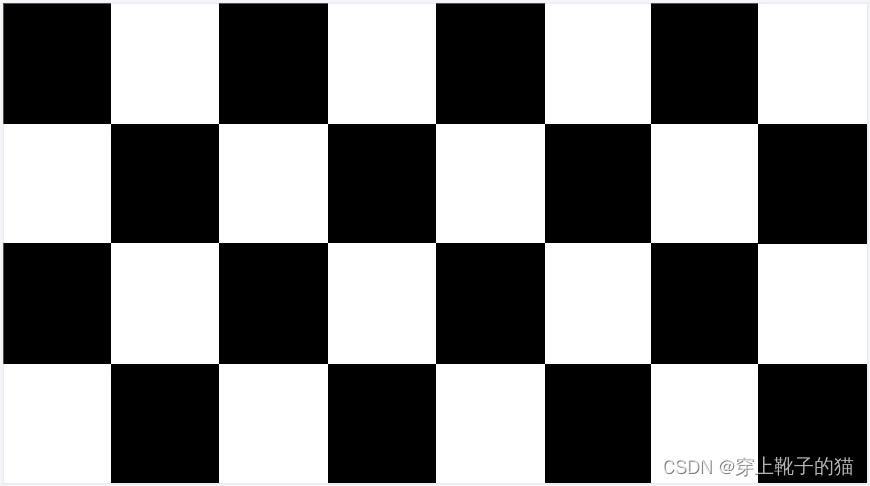
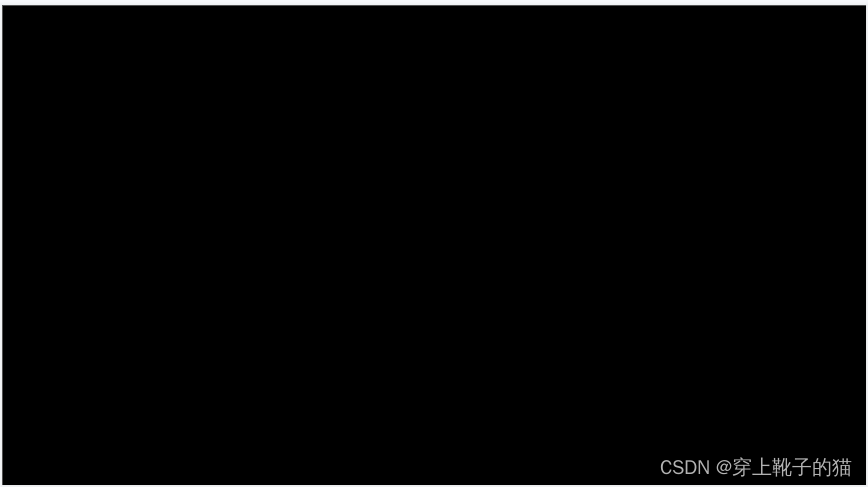
First result: almost entirely black, no transformation applied.
Second result: width halved, height changed unpredictably.
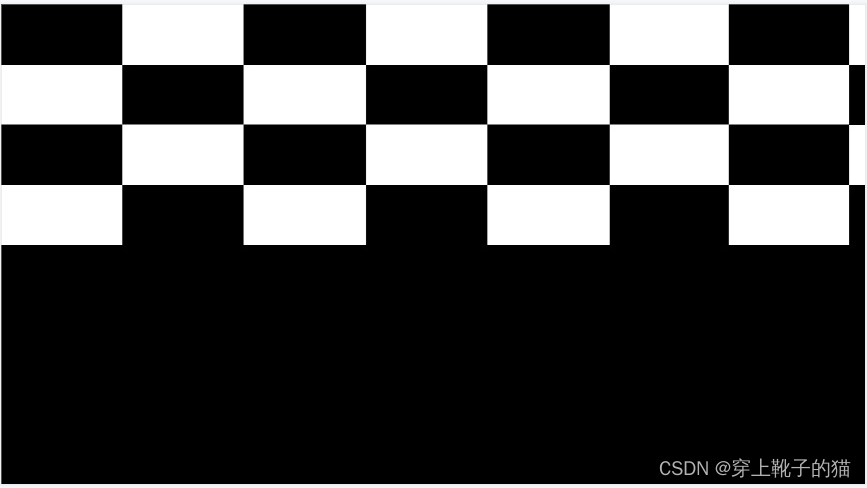
Third result: width halved, image distorted.
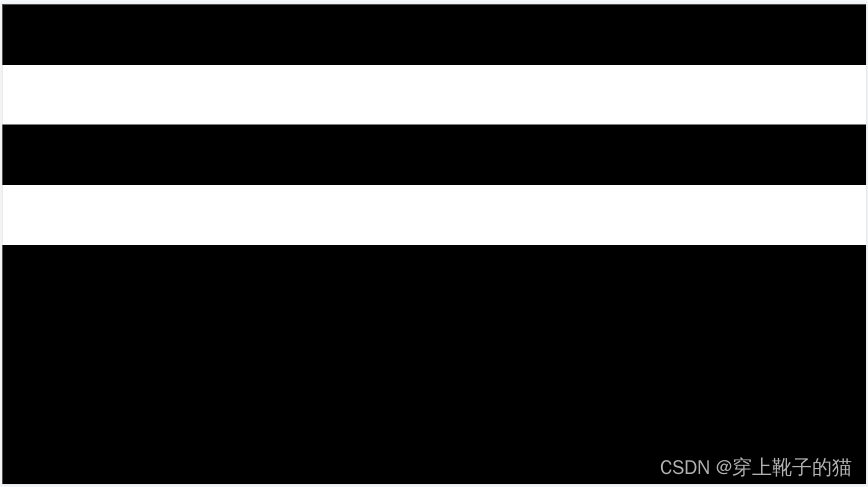
After multiple attempts, the desired result was not achieved.
Since I had previously used perspective transformation successfully in native OpenCV, I tried it again in JavaCV:
public static void warpPerspective() {
    Mat src = opencv_imgcodecs.imread("E:\\javacv\\Pic_001.bmp");

    FloatPointer srcCorners = new FloatPointer(0, 0, src.size().width(), 0, src.size().width(), src.size().height(), 0, src.size().height());
    FloatPointer dstCorners = new FloatPointer(0, 0, src.size().width()/2, 0, src.size().width()/2, src.size().height()/2, 0, src.size().height()/2);

    Mat srcmat = new Mat(new Size(2, 4), 5, srcCorners);
    Mat dstmat = new Mat(new Size(2, 4), 5, dstCorners);

    Mat perspective = opencv_imgproc.getPerspectiveTransform(srcmat, dstmat);

    Mat result = new Mat();
    opencv_imgproc.warpPerspective(src, result, perspective, new Size(src.size().width(), src.size().height()));

    opencv_imgcodecs.imwrite("E:\\javacv\\Pic_001-1-1.bmp", result);
}
This produced the expected result:
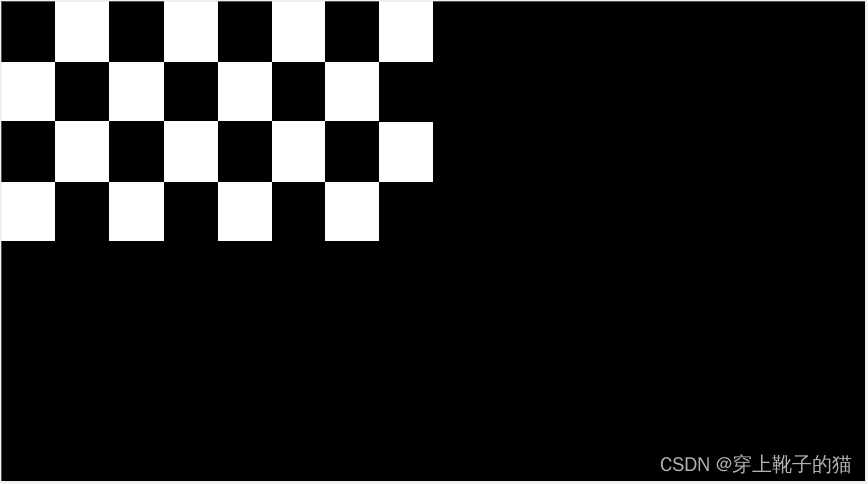
Other transformations also worked without issues:
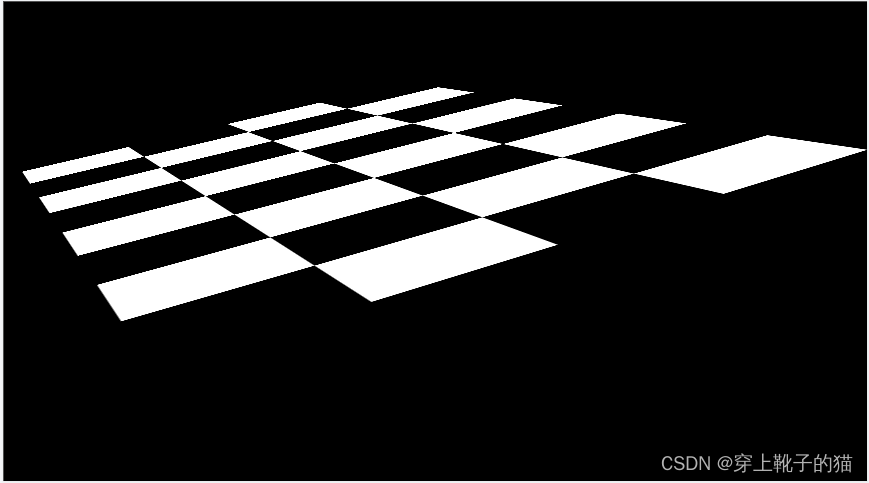
If you need to perform distortion transformations using JavaCV, perspective transformation is recommended.
